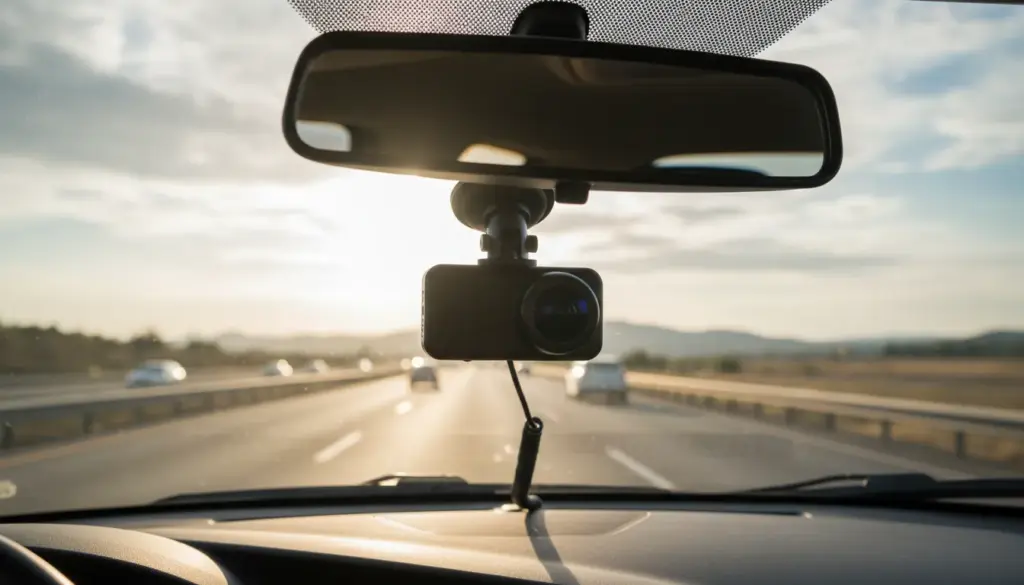
A dashcam is a small windscreen-mounted camera that records the road ahead while you drive, and in many setups the road behind as well. It acts as an independent witness if something goes wrong, capturing details that a stressed driver might miss in the moment. Most models record on a continuous loop, splitting footage into short segments on a micro SD card so the card never fills up completely. Power comes from the cigarette lighter socket or a hardwired connection into the fuse box. The camera starts recording automatically when the ignition is switched on.
Despite the name, you should not fix a dashcam to the dashboard itself. The best position is behind the rear-view mirror, high on the windscreen, where the lens can see clearly without blocking your view. From that spot the camera sits close to the centre line of the car, which gives balanced coverage of both lanes. It also stays out of the sunniest part of the glass, reducing glare and heat build-up. A good mount holds the camera steady over bumps and rough asphalt.
How a Dashcam Captures the Road
Inside a dashcam, a small image sensor turns light into digital video, and a wide-angle lens pulls in a broad view of the road. Most cameras record in short segments of around three minutes, writing each file to a micro SD card. When the card is full, the oldest file is overwritten automatically, so the camera never stops recording. This loop means you always have recent footage without needing to delete anything by hand. Some models also save a protected file when they detect a sudden bump or hard braking.
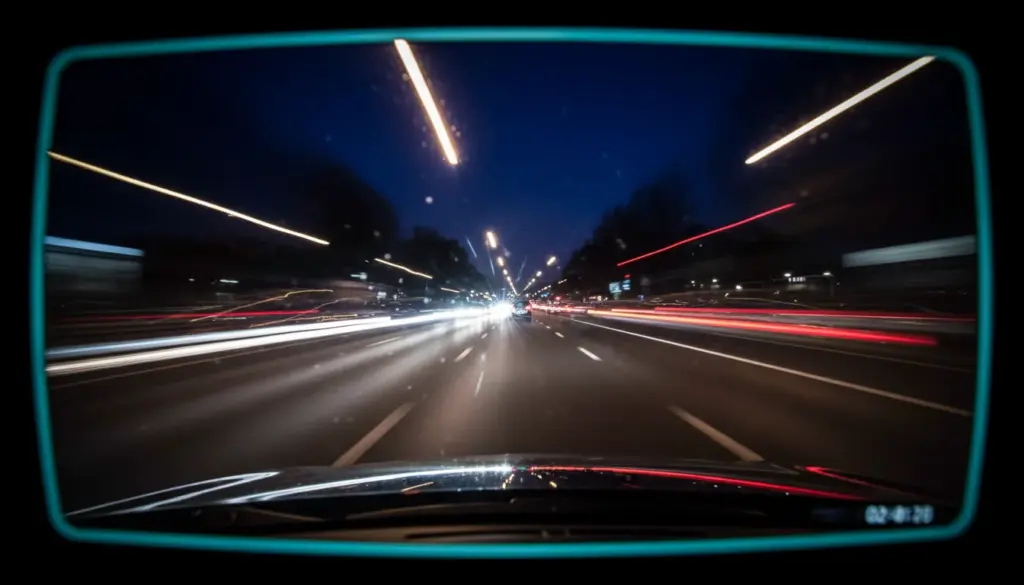
Night driving places extra demands on the sensor and lens. All dashcams record after dark, but the clarity varies a lot between models. Technologies such as WDR and HDR help balance bright headlights against dark shadows, pulling detail out of both. If you drive often at night, look for a camera with a sensor designed for low light, such as a Sony EXMOR type. The difference shows up in number plates, road signs and the edges of pedestrians near the kerb.
Parking Mode and Power
A dashcam can also keep watch while the car is parked, but only if it still has power. Some cameras rely on a hardwired connection to the vehicle battery, while others include a built-in battery with intelligent parking mode. These models wake up when they sense a bump in a car park and record a short clip. That can capture a door ding, a scrape or even an attempted break-in when you are nowhere near the car.
Hardwiring is not as scary as it sounds. A small kit connects the camera to the fuse box, often with a voltage cut-off so the car battery does not drain too far. The cable can run along the windscreen edge, under the trim and into the footwell, hidden from sight. For parking mode to work reliably, the camera needs this constant feed rather than the cigarette lighter socket, which usually switches off with the ignition. Check your vehicle manual before changing any wiring or trim.
Where to Mount the Front Camera
The front camera belongs behind the rear-view mirror, not on the dashboard and not in the middle of the glass. Mounting it high keeps the driver’s view clear and puts the lens close to the swept area of the wipers. That matters in rain, when water droplets on unswept glass can blur the whole picture. Position the camera so the lens points straight down the road, then adjust the viewing angle by rotating the body. A slight tilt down is fine, but avoid capturing too much dashboard.
Some windscreens have a heat-reflective coating that can block GPS signals. The camera will still record video, but speed and location data may not log correctly. Many such screens have blank patches, often near the mirror housing, where a GPS signal can pass through. Check your vehicle handbook if the camera has GPS and the signal seems weak. The key rule is simple: the camera must never obstruct the driver’s view of the road.
Rear Cameras on SUVs and Hatchbacks
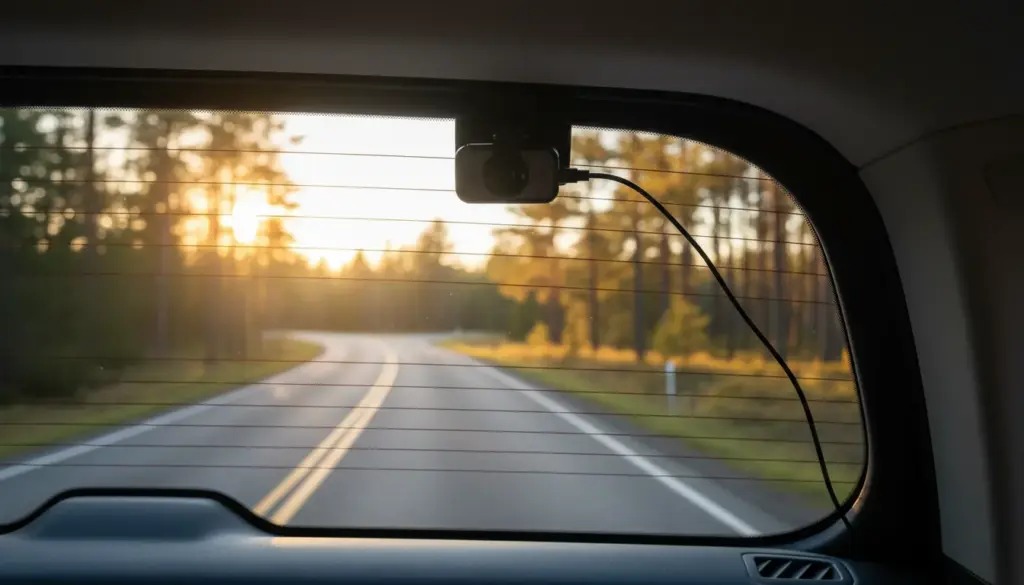
A rear dashcam adds eyes behind the car, which helps with tailgating, rear-end collisions and reversing disputes. On an SUV or hatchback, the rear window usually moves with the liftgate, so the camera and cable must survive that movement. Mount the rear camera on the glass itself, high enough to see the road but clear of the wiper if one is fitted. The cable needs enough slack to let the liftgate open fully without stretching or pinching.
Routing the rear cable takes patience. You can tuck it under the headliner, along the rubber door seals and through the flexible boot that carries wiring into the liftgate. Work slowly and keep the cable away from hinges and powered struts. If the liftgate must be open during installation, make sure it is fully open and secure. A second person can help by holding the cable while you open and close the tailgate to check for snags.
Choosing a Front and Rear System
A two-channel dashcam records from a front camera and a separate rear camera at the same time. Both files save to the same memory card, so you can review the front and rear view side by side after an incident. This is the cleanest way to cover both ends of the car without running two independent cameras. The rear camera is usually smaller and connects to the front unit with a single long cable.
Before buying, think about how you use the car. A simple front-only camera suits a small hatchback used for short city trips. A front and rear system makes more sense for a family SUV, a long motorway commuter or anyone who parks in tight spaces. Cabin cameras also exist for drivers who carry passengers and want to record what happens inside. Each option changes the mounting points and the cable route, so plan the install before you start.
What to Check Before You Install
Dashcams are legal in many places, but the rules are not identical everywhere. In the UK, for example, a camera is legal if it does not restrict the driver’s view and is not used to intrude on someone’s privacy. If you carry passengers regularly, tell them a camera is in operation. Taxi and private hire drivers are often advised to keep sound recording muted to avoid privacy concerns. Check the local rules where you are driving before relying on footage for an official report.
Interacting with a dashcam while driving is a bad idea, and in some countries it is an offence even at a red light. Set the angle and settings before you move off, then leave the camera alone. Pull over and park if you need to change anything. The camera should sit quietly in the background, recording without demanding attention. A tidy install helps here, because loose cables and bright screens are more distracting than a neatly hidden unit.
- Clean the glass with a dry cloth before sticking the mount, because dust and grease weaken the adhesive.
- Route the power cable along the windscreen edge and under the trim, keeping it clear of airbags and hinges.
- Test the camera angle with the engine running before you tuck the final section of cable away.
- For a rear camera, open and close the liftgate several times to confirm the cable moves freely.
- Format the micro SD card inside the camera menu before the first drive.
- Check the local rules about recording audio and informing passengers before you rely on the footage.
- If parking mode needs hardwiring and you are unsure, ask a qualified installer for help.
Once the camera is mounted and powered, it becomes part of the car’s background. You will forget it is there until the day you need it. The footage can help resolve a dispute after a collision, show what happened while you were parked, or simply record a long desert drive. Some drivers also find that knowing a camera is running makes them smoother and more patient behind the wheel.
Living With a Dashcam Day to Day
A dashcam is not a set-and-forget gadget. The memory card should be formatted occasionally, and the lens needs a wipe now and then, especially after dusty Gulf drives. Check that the mount is still firm, because heat can soften adhesive over time. If the camera has a screen, set it to dim or switch off after a few seconds so it does not glow in your peripheral vision at night. Small habits like these keep the camera reliable when it matters.
The real value of a dashcam appears in the moments you cannot predict. A sudden lane change, a bump in a car park, a dispute over who had the green light. The camera records without emotion, without memory gaps and without argument. It is a quiet passenger that never blinks. Mount it well, power it properly and let it do its job.