A smartwatch counts your steps. A supermarket door slides open before you touch it. A street lamp clicks on as the sky dims. None of these things happen by magic. Each one depends on a small electronic part called a sensor, quietly reading the world and passing that information to a circuit that knows what to do next.
Think about how your own body works. Your ears catch a friend calling your name on a busy street and your brain instantly turns your head. Your skin feels heat and your hand pulls back. In electronics, a sensor plays the part of the ear or the skin. It detects light, sound, motion, distance, moisture or temperature. Then a controller, often a microcontroller, decides on a response and an output circuit makes something happen, like switching on a lamp or sounding a buzzer.
Start with two classic sensors
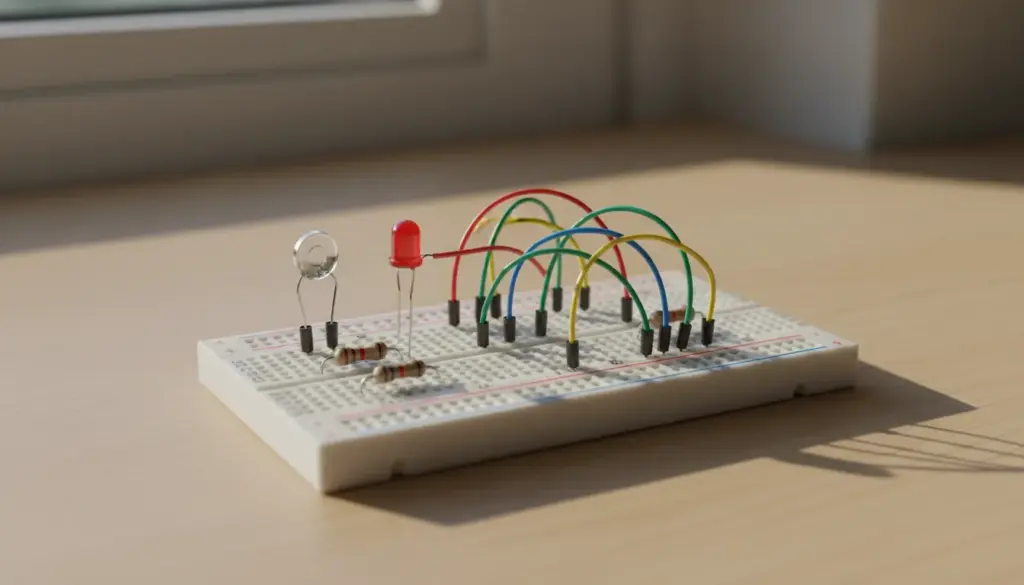
The easiest sensor projects usually begin with one of two components. The first is an LDR, which stands for light dependent resistor. It is also called a light sensor because it changes its electrical resistance when the amount of light around it changes. In bright sunlight the resistance drops, and in darkness it rises sharply.
The second is an IR sensor, short for infrared sensor. This small circuit sends out infrared light that human eyes cannot see. When that invisible beam bounces off a nearby object and returns, the sensor knows something is there. That simple trick powers automatic taps, hand dryers and many small robotics projects.
Light projects that think for themselves
A good first build is an automatic street light. The idea is simple. During the day, when sunlight falls on the LDR, the lamp stays off. At night, when the resistance changes, the circuit turns the lamp on. You can make a small model with an LED, a resistor, a transistor and a battery.
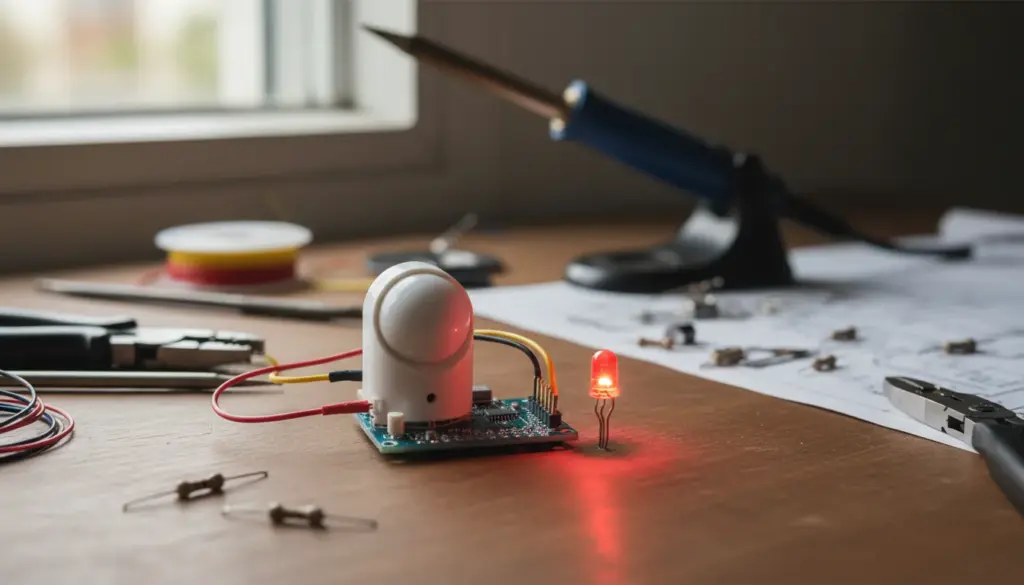
The same idea appears in a smarter version. Instead of a light sensor, this project uses an IR sensor to detect a passing toy car. The street light only switches on when a vehicle is nearby. That makes it a clever way to talk about saving electricity in real street lighting systems.
For a first build, keep the circuit on a breadboard so you can move parts around without soldering. Test the LDR by covering it with your hand and watching the LED respond. Then try it near a window at different times of day. You will quickly see how small changes in light produce clear changes in the circuit.
Build a light-activated night lamp
A night lamp is a friendly version of the street light project. You can place it on a bedside table and let it glow only when the room is dark. Use a warm white LED for a softer look. The circuit is almost identical, but you can mount it inside a small cardboard shade.
Cut a simple house shape from a cereal box and fix the LED inside. Make sure the LDR pokes through a hole so it can sense the room light. When you switch off the room lamp at night, the little house lights up on its own. It feels like a tiny piece of smart home technology made by hand.
Sound and motion projects with a playful twist
Sound sensors listen for noise and send a signal when the volume passes a set level. A clap switch is the classic example. Clap once and a lamp turns on. Clap again and it turns off. The sensor is a small microphone connected to a circuit that ignores quiet background sounds.
Motion sensors often use a PIR, or passive infrared, module. PIR sensors detect changes in heat, which usually means a person or animal moving nearby. They are the same sensors found in home security lights and automatic corridor lamps. For a beginner project, a PIR sensor can trigger an LED for a few seconds whenever someone walks past.
One fun combination is a motion-activated light with a sound alert. When the PIR sensor sees movement, it switches on a light and plays a short tone or a recorded sound. You could use it as a door chime for your room or a surprise alarm for a sibling who sneaks in. Start with a simple beep, then experiment with different tones.
Make a clap switch for your desk lamp
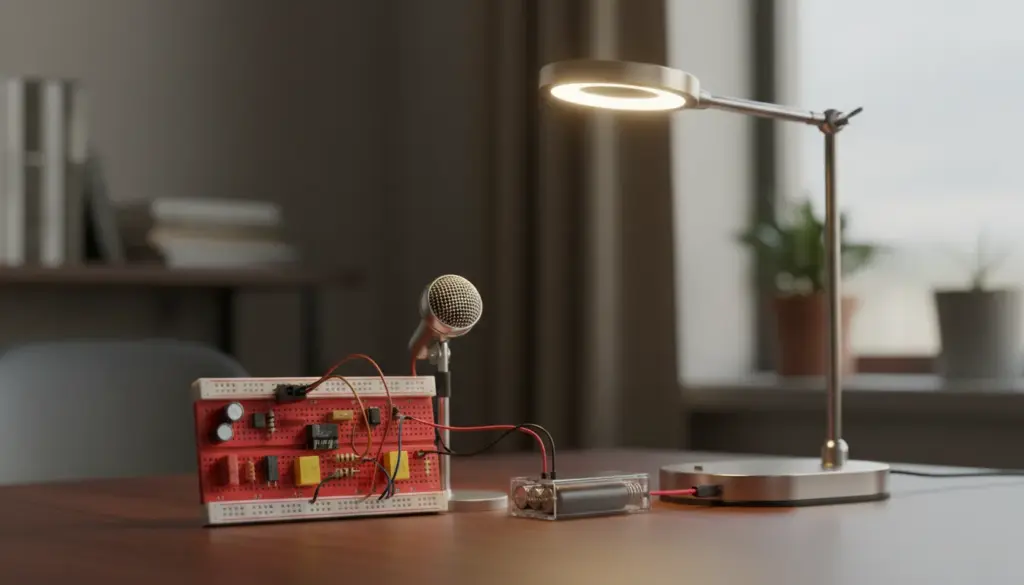
A clap switch feels like a magic trick the first time it works. You clap twice and your desk lamp responds. The sound sensor picks up the sharp noise, much like your ear detects a familiar voice in a crowd. Then the microcontroller toggles a relay or a transistor that controls the lamp. In this way, a simple sound becomes an electronic command.
Begin with a battery-powered LED lamp so you are not working with mains electricity. Once the circuit works reliably, you can think about safer ways to control larger lights. Keep the sensor away from speakers and noisy fans, because background sound can trigger false claps. Adjust the sensitivity until it ignores normal talking but responds to a clear double clap.
Seven starter sensor builds to try
Once you have built one light sensor and one sound or motion circuit, you can combine the ideas in many directions. A sensor is simply a device that detects something from its surroundings, such as light, sound, or movement. The list below gives you a natural next step for each skill level. Each project uses common parts and works well on a breadboard before you commit to soldering.
- Automatic street light with an LDR that turns an LED on when the room darkens.
- IR-based smart street light that switches on only when a toy car passes nearby.
- Automatic hand dryer model using an IR sensor to start a small fan when hands come close.
- Clap switch desk lamp that toggles a battery-powered LED with two sharp claps.
- Motion-activated light using a PIR sensor to turn on an LED for five seconds when someone walks past.
- Sound-triggered light that responds to a loud noise, useful for a door alert or a simple alarm.
- Combined motion and sound lamp that lights up when either sensor detects activity in the room.
These seven builds cover the three senses that most starter kits support: light, sound and motion. They also teach the same core skill, which is reading a sensor signal and using it to control an output. A sensor is simply a device that detects something from its surroundings, such as light, sound, or movement. Once you understand that loop of sensing and responding, you can adapt it to dozens of other ideas.
From breadboard to real-world thinking
The best sensor projects are not just about making an LED blink. They help you notice how much of the built world already works this way. A sensor detects something from the surroundings, such as light, motion, distance or temperature. Then a controller decides what to do, and an output circuit responds. Automatic taps, escalator lights, car parking sensors and smart thermostats all use the same basic pattern of sense, decide and respond.
When you build a motion-activated light, you are asking practical questions. How far away should it detect movement? How long should the light stay on? What happens if two sensors send signals at the same time? Those questions are exactly what engineers consider when designing real products for homes, shops and streets.
Keep a small notebook next to your breadboard. Write down what you changed and what happened. If the clap switch triggers too easily, note the new resistor value you tried. If the PIR sensor misses slow movement, record the angle and distance. This habit turns a fun afternoon into a deeper understanding of electronics.
Test your human sensors too
Here is a small challenge. Count how many sensors you can find in your own home in one evening. The air conditioner has a temperature sensor. The washing machine may have a water level sensor. A smart TV remote uses infrared. Your phone likely has a light sensor, a motion sensor and a microphone.
Write them down and guess what each one detects. Then think about how the device responds. This simple observation game connects your starter projects to the wider world. It also gives you a list of ideas for your next build, because every sensor you find at home is a possible project waiting on your desk.
Start with the three easiest senses. Build a light that wakes at dusk. Build a lamp that hears your clap. Build a light that notices when someone walks by. Each one is small, cheap and satisfying. Together they form the foundation of a skill that grows with every circuit you try.